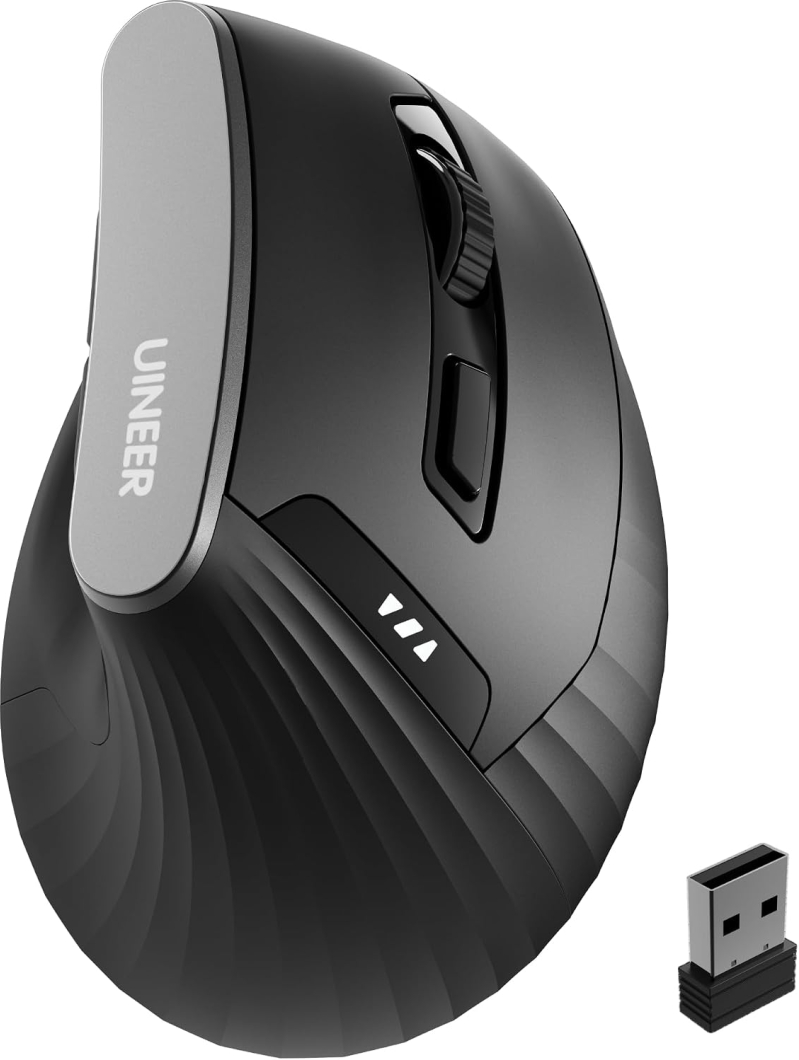
Uineer Ergonomic Vertical Mouse – 2.4G Wireless, Rechargeable, 4 Adjustable DPI (800-2400), Right-Handed with Side Scroll Wheel & Battery Indicator, USB-A Receiver
Uineer’s right-handed vertical mouse keeps your wrist in a neutral handshake position, with 2.4G plug-and-play wireless, 4 DPI levels, and a rechargeable battery.
If your wrist or forearm aches after a long day at the desk, the culprit is often the mouse itself: a flat mouse forces your forearm to twist so your palm faces down, which strains the wrist over hours of use. Uineer’s vertical design turns your hand to a natural handshake position, keeping the wrist and forearm more relaxed, which many people find reduces fatigue during long workdays, study sessions, or gaming. It’s shaped for right-handed use and adds a side scroll wheel for horizontal scrolling through spreadsheets and documents, plus forward and back buttons for quick browsing.
Setup is simple: the 2.4G USB-A receiver stores in the bottom of the mouse, so just plug it in and it works, with a range of up to 10 meters and no drivers to install. Four DPI levels (800/1200/1600/2400) let you switch between precise document work and faster cursor speed, and the built-in rechargeable battery with a visible battery indicator means no more hunting for AAs. It sleeps automatically when idle and wakes with a click. Two things to know before you buy: it connects through a USB-A port (not Bluetooth), so a laptop with only USB-C ports will need an adapter, and the buttons aren’t programmable. As with any vertical mouse, give yourself one to two weeks to get used to the shape. For anyone looking for an affordable, plug-and-play way to try ergonomic mousing, it’s an easy place to start.